
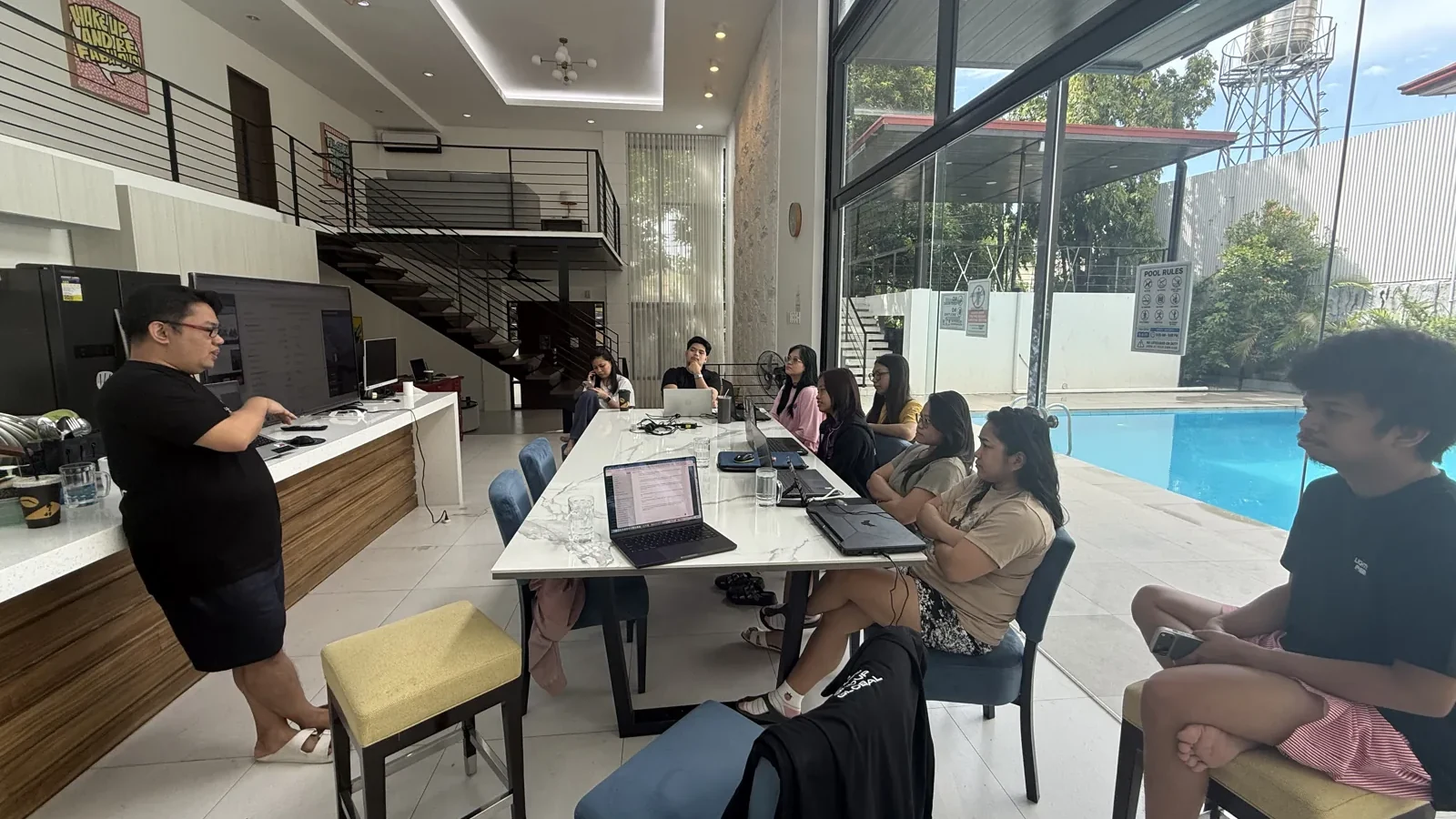
The first month of offshore support should leave your business with a repeatable process and a colleague who understands how to use it. Giving a new administrator a login and a crowded inbox is unlikely to achieve either.
A useful onboarding plan starts with one bounded workflow, scheduled feedback and clear permission to raise questions. Thirty days is a planning structure, not a guarantee of proficiency. Previous experience, task complexity and the quality of your existing instructions will shape the pace.
Here is a practical four-stage plan for an Australian solar business introducing a Philippines-based virtual assistant to its operations.
Before day one: prepare the role and the working environment
Choose a starting task such as checking sales handover records or maintaining a document-request queue. Write down what the administrator receives, what they may change and who reviews their work.
Nominate one onboarding owner with time reserved for feedback. Agree working hours, communication channels, response expectations and a backup contact. Schedule the meetings in both locations' local time and check the arrangement when daylight-saving settings change.
Set up named user accounts and appropriate permissions. Use practice records with personal information removed where possible. Document which devices, storage locations and tools are approved before sending live customer material.
For businesses covered by the Australian Privacy Principles, overseas disclosure can trigger APP 8 obligations. The OAIC explains that providing personal information to an overseas contractor will constitute disclosure in most circumstances, with context-specific exceptions. Assess the actual arrangement before granting access. OAIC: cross-border disclosure guidance.
Days 1–7: teach the journey, then one task
Walk through a solar job from accepted proposal to your internal close-out. Explain the purpose of each stage and who owns it. Keep network approvals, installation, documentation review and customer follow-up visible as separate activities.
Then narrow the focus to the first task. Demonstrate it using a complete example and repeat it with an incomplete one. Ask the administrator to explain their next action, the evidence they used and the point where they would stop and escalate.
Create a short glossary for your own CRM statuses and abbreviations. Avoid assuming that experience at another solar business means familiarity with your network, state program or internal naming conventions.
Introduce professional boundaries immediately. For STC-related systems, the CER sets accreditation requirements for the relevant designers and installers. Administrative onboarding does not confer those qualifications. CER: rooftop solar installers and designers.
The first week's deliverable is a demonstrated understanding of the task, including its exception route. A long list of completed training videos is less informative.
Days 8–14: practise and review together
Use a small batch of practice files or closely supervised live records. Include different problems: a missing contact detail, conflicting equipment references, an absent customer response and an unclear status.
Give feedback against an agreed rubric:
| Check | What the reviewer looks for |
|---|---|
| Accuracy | Entries match the supplied source records |
| Completeness | Each required checklist item has a result |
| Traceability | Another team member can find the supporting information |
| Judgment | Uncertainty is escalated instead of guessed |
| Communication | The next person understands the issue and required action |
Explain why a correction matters. “Use this status because the document has arrived but has not been reviewed” teaches more than “wrong status.” Update the instructions when the same ambiguity appears repeatedly.
Do not reward a clean-looking queue if problems have been hidden to produce it. An accurate exception report is a successful output.
Days 15–21: hand over a bounded live queue
Let the administrator manage one defined queue, with a daily review of decisions and exceptions. Agree a sensible workload limit so new tasks do not bury unresolved questions.
For example, they might review the next day's proposed handovers, request missing records using approved wording and provide a concise end-of-day summary. The authorised coordinator remains responsible for the decisions outside that scope.
Where the task concerns STC documentation, align the checklist with current requirements. The CER says relevant documents need to be completed and signed before certificate creation; uploading a file is not the same as establishing submission readiness. CER: creating STCs.
Ask for a daily handover with completed work, open blockers and decisions required. Keep it short enough for the local team to read and precise enough to act on.
Days 22–30: assess readiness and improve the process
Review a representative sample together. Include easy cases and exceptions, rather than selecting only the cleanest files. Check quality, the usefulness of escalations and the amount of correction still required.
Expand access or responsibilities only when the evidence supports it. If the starting queue still needs close supervision, continue training there. A calendar date is a review point, not an automatic promotion to every operational task.
Ask the administrator which instructions are unclear and which repeated questions could become a template. Their fresh perspective can reveal gaps that experienced staff work around without noticing.
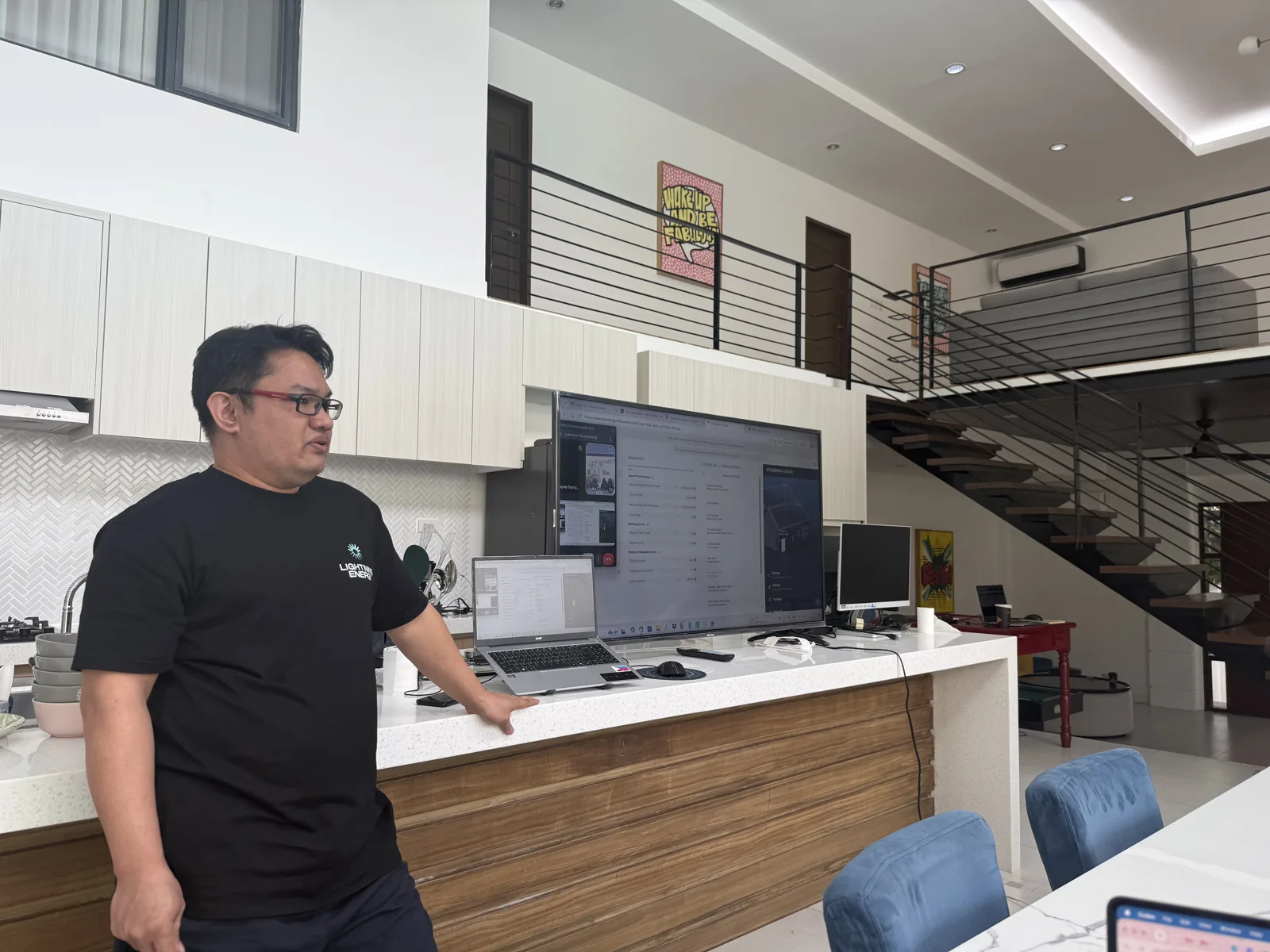
Keep this onboarding checklist beside the task
- One named onboarding owner and one backup contact.
- A defined first workflow with clear start and finish points.
- Approved tools, accounts and data-handling instructions.
- Complete, incomplete and ambiguous training examples.
- A written boundary between support work and professional decisions.
- A daily exception handover during the supervised stage.
- A quality review that includes correction and supervision time.
- A decision at day 30 to expand, refine or extend training.
Keep a source library linked to your procedures. SAA's scheme administration page provides its current requirements and policies; designate an appropriate professional to review relevant changes and update the task instructions.
Nexus provides specialised solar administration training and offshore virtual assistants. Book a consultation to plan a starting workload, review structure and onboarding sequence around your solar business.