
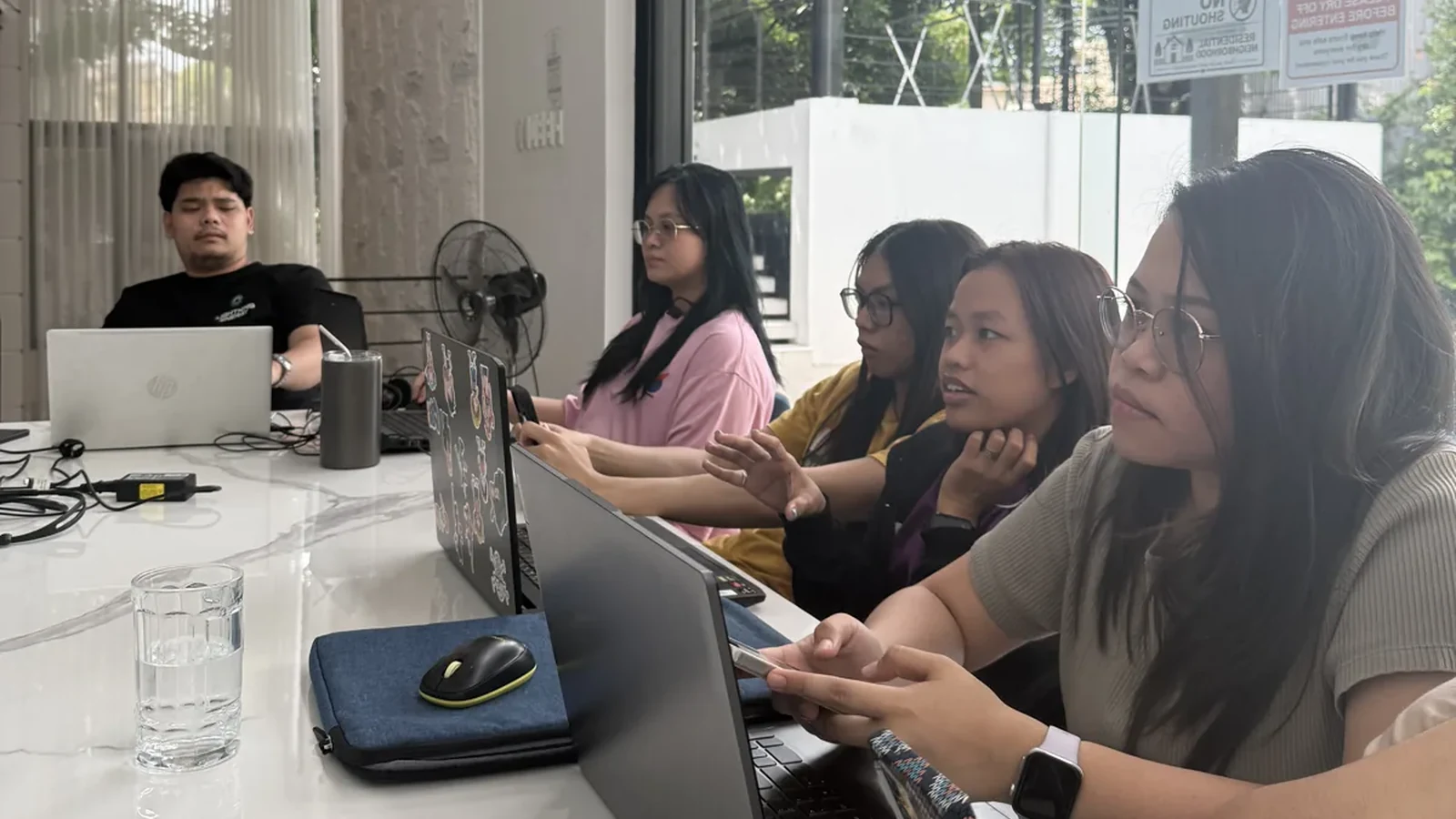
A solar proposal can look polished while the job behind it is still unresolved. The site information might be incomplete, the equipment could have changed, or a drawing may have moved forward without the responsible designer seeing the latest version.
Outsourced PV design support can help organise the work around a designer. The arrangement needs to make professional responsibility visible from the beginning. A quick signature at the end cannot substitute for the required design work.
For an Australian solar business, the useful starting question is: which activities can the support team prepare, and which decisions must the appropriately accredited professional make?
Separate the support brief from the design brief
A support brief describes an administrative deliverable: collect specified site records, organise manufacturer documents, enter supplied information into a project file or maintain a revision register. A design brief describes the system requirements and decisions the responsible designer must address.
The Clean Energy Regulator requires SAA accreditation for the relevant design and installation roles for systems seeking STCs. State and territory requirements also apply. CER: rooftop solar installers and designers.
Before allocating work, ask the responsible designer to define the permissible support scope. If a task constitutes design, calling it “drafting support” does not change the qualification requirements. Software familiarity is useful, but using a design platform does not itself establish accreditation or authority.
Build a responsibility table before the first job
The following is an example management framework. Adapt it with the responsible professionals for the actual project, network and accreditation category.
| Activity | Support team contribution | Responsible decision or review |
|---|---|---|
| Site-information pack | Collect, label and organise requested records | Designer identifies required information and assesses its adequacy |
| Equipment information | Retrieve specified model documents and flag differences | Designer determines suitability and compatibility |
| Project-file preparation | Enter verified information within an agreed support scope | Designer directs and performs the required design work |
| Revision tracking | Record changes and distribute the authorised version | Designer assesses technical changes; business approves commercial changes |
| Installer handover | Assemble the approved records and unresolved-item list | Responsible professionals confirm the applicable requirements are met |
| Required statements | Track outstanding statements and file completed records | The relevant qualified person makes their own required declaration |
Name individuals or roles your team can contact. “Technical team” is rarely specific enough when a job is waiting and the normal contact is away.
Make assumptions easy to find
Support teams are most useful when they improve the quality of information reaching the designer. A tidy pack should make uncertainty obvious.
Use an assumptions register with the source, question, owner and resolution. For example: “Roof image supplied by customer; current obstruction details not confirmed; designer to specify further evidence.” Keep an unresolved assumption separate from a verified fact.
SAA's technical requirements identify responsibilities including site-specific design, shading and orientation considerations, roof fit and equipment compatibility. These require professional judgment; a neat drawing alone does not demonstrate that they have been addressed. SAA Technical Requirements, section 3.3.
A support person can request additional information using the designer's instructions and record the response. They should not infer a missing measurement from an attractive aerial image or present a generic production estimate as a site-specific conclusion.
Treat changes as new work with a clear route
Imagine a supplier proposes an inverter substitution after the initial design is prepared. This is an illustrative process example, not a technical assessment of any product.
The administrator records the proposed model, why it changed and which documents mention the old model. The responsible designer evaluates the technical implications. The business checks commercial commitments, and the appropriate owner determines whether network or other approvals require action.
Only then does the support team update and distribute authorised records. An email saying “similar specification” should not silently become permission to replace equipment throughout the file.
For Energex jobs, installers are told to confirm approved equipment and obtain network approval before installation. Use the actual network's current requirements when building your own change process. Energex: connection information for installers.
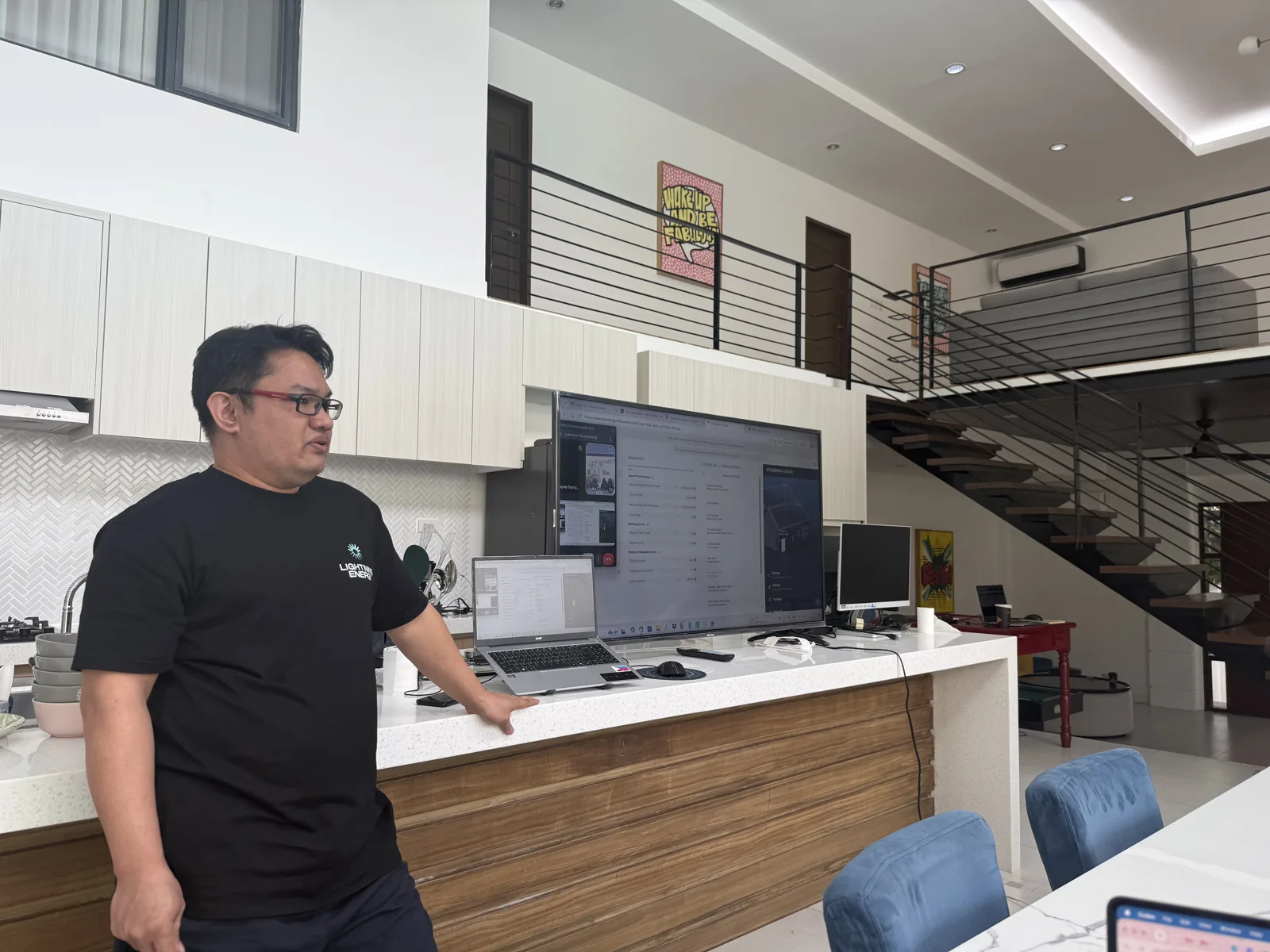
Use a handover checklist that shows the state of the work
A useful handover lets the recipient answer three questions quickly: what is current, what remains unresolved and who authorised the next step?
- Job identity: The address and internal reference match the relevant records.
- Source index: Site information and equipment documents have identifiable sources.
- Current revision: The active file has a version, date and responsible designer.
- Open items: Questions remain visible until the authorised person resolves them.
- Change history: Equipment and layout changes can be traced to a decision.
- Distribution: The installer receives the authorised version through the agreed channel.
- Declarations: Required statements are completed by the appropriate people.
This is an operational checklist, not a complete technical compliance checklist. The designer and installer need the current standards, scheme requirements and jurisdiction-specific rules relevant to their work. SAA maintains its requirements and policies through its scheme administration resources.
Measure whether support improves the designer's working day
Start with a small sample of jobs. Record time spent locating information, the number of incomplete briefs and the number of revisions caused by missing or inconsistent records. Separate those from revisions caused by genuine customer or site changes.
Review the results with the designer. The purpose is to create more time for professional work while making the supporting records easier to trust. High output counts are less useful if the designer must repeatedly rebuild the underlying file.
Nexus's solar administration training service includes system design support in OpenSolar and Pylon. Contact Nexus to discuss an administrative support scope that fits your workflow and keeps required design decisions with the appropriately accredited professional.